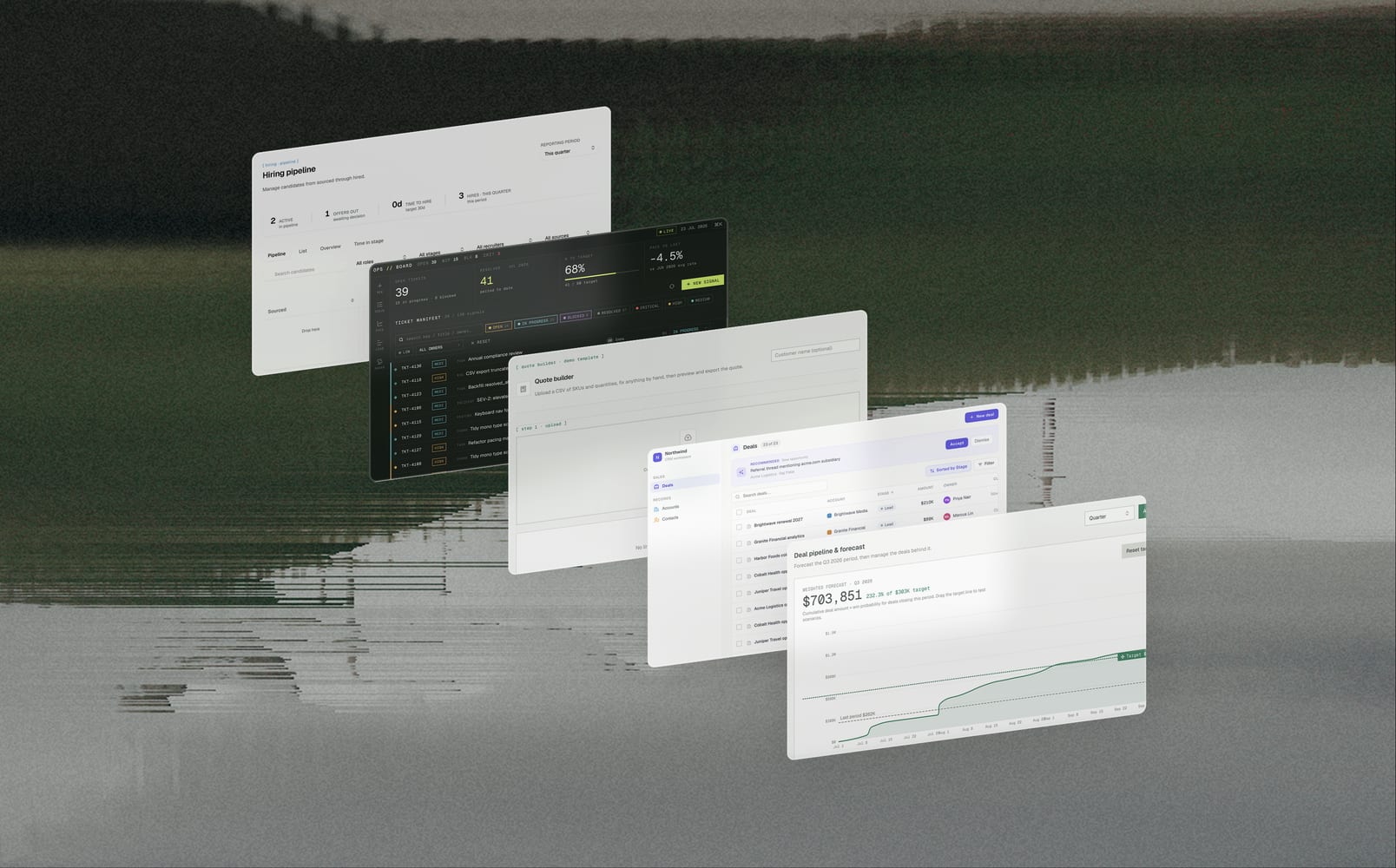

TextQL now has a new look for anyone who prefers a little less glare. Whether you're working late, saving your eyes, or just think dark mode looks better, you can switch it on right now.
Head to Settings → Personal and choose from the following:
- Dark: light text, dark background, easy on the eyes
- Light: the classic, if you're not ready to let go
- System: matched to your operating system's theme, so the app follows along on its own
Your choice saves to your account, so it'll look the same whether you're on your laptop or your phone. Give it a try tonight and turn the lights off.