Most AI assistants can answer questions about code, summarize documents, or help you draft an email. What they cannot do is connect to your data warehouse, reason over your data, and hand you back a verified report or dashboard, on demand, from inside the tools you already use.
That is what Ana does. And as of today, you can bring those capabilities anywhere.
Ana Connects Headlessly to Your AI Assistant
Ana connects to any data source, understands your schema and business context through the Ontology, and produces reports and dashboards grounded in your actual data. Teams want that capability embedded in their workflows, not locked behind a separate tab. Here is what that looks like.
Imagine your team uses Claude internally. It is the thought partner people use to write, reason through problems, and get work done. But when someone needs to answer a question about your data warehouse, churn by segment, pipeline by region, cost per workload, the data is out of reach. So the workflow becomes: open TextQL, ask Ana, wait for the answer, copy it, switch back, paste it in, continue the conversation. If the answer raises a follow-up, you do it again.
With Ana's MCP server, that context switch is gone. You ask Ana directly from your AI assistant. Claude connects to your warehouse through Ana, runs the analysis, and returns the answer in the same thread where you are already working. The full chat thread in TextQL is there if you want to share it or dig deeper. But you never have to leave.
A Universal Data Connector
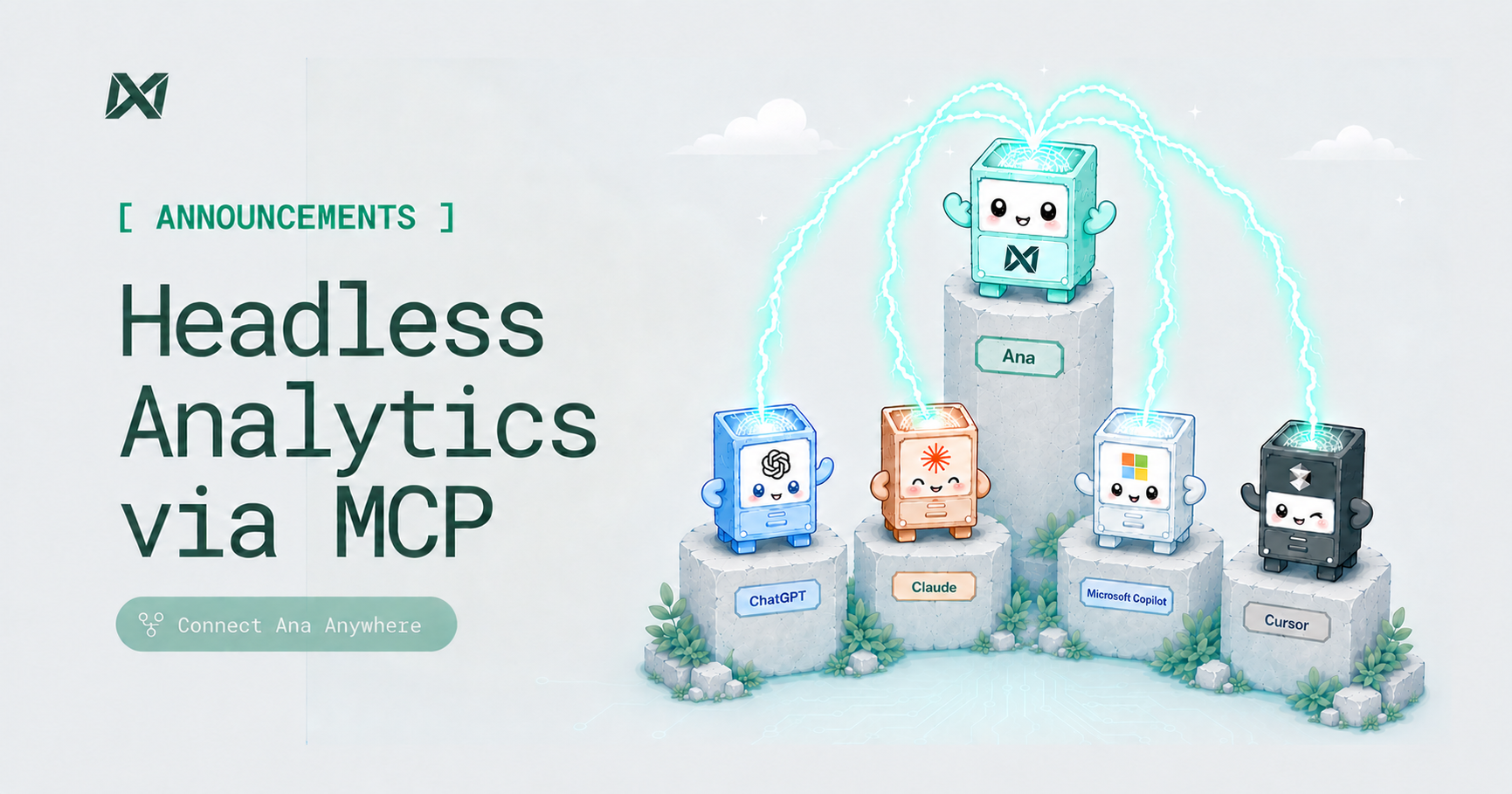
MCP (Model Context Protocol) is the open standard that lets AI tools connect to external services, the same way USB-C standardized how devices talk to peripherals. Ana's MCP server plugs into Cursor, Claude Code, Claude web, ChatGPT, Microsoft Copilot, and any other compatible client through a single tool: ask_question. Ask it any question in natural language and Ana will figure out which connected data sources to query, run the analysis, and return the answer alongside a link back to the full chat thread in TextQL. Charts, dashboards, and reports are returned as resource links directly in your client.
This is not a chatbot wrapper over your data. It is the same Ana that runs in TextQL, with access to your connected warehouses and your ontology, now consumable headlessly from any MCP-compatible surface.
Getting Started
Ana's MCP endpoint is https://app.textql.com/mcp. Setup instructions for Cursor, Windsurf, Claude Code, Claude web, ChatGPT, and Microsoft Copilot are available in our documentation.
The first time you connect, Ana will walk you through a one-time OAuth authorization in the TextQL UI. After that, your client connects headlessly. You can view and revoke authorized applications at any time from your account settings under Authorized Applications.
For TextQL admins: Admins can manage registered MCP clients, including which clients are authorized and what scopes they hold, from the organization settings page under MCP Connectors.