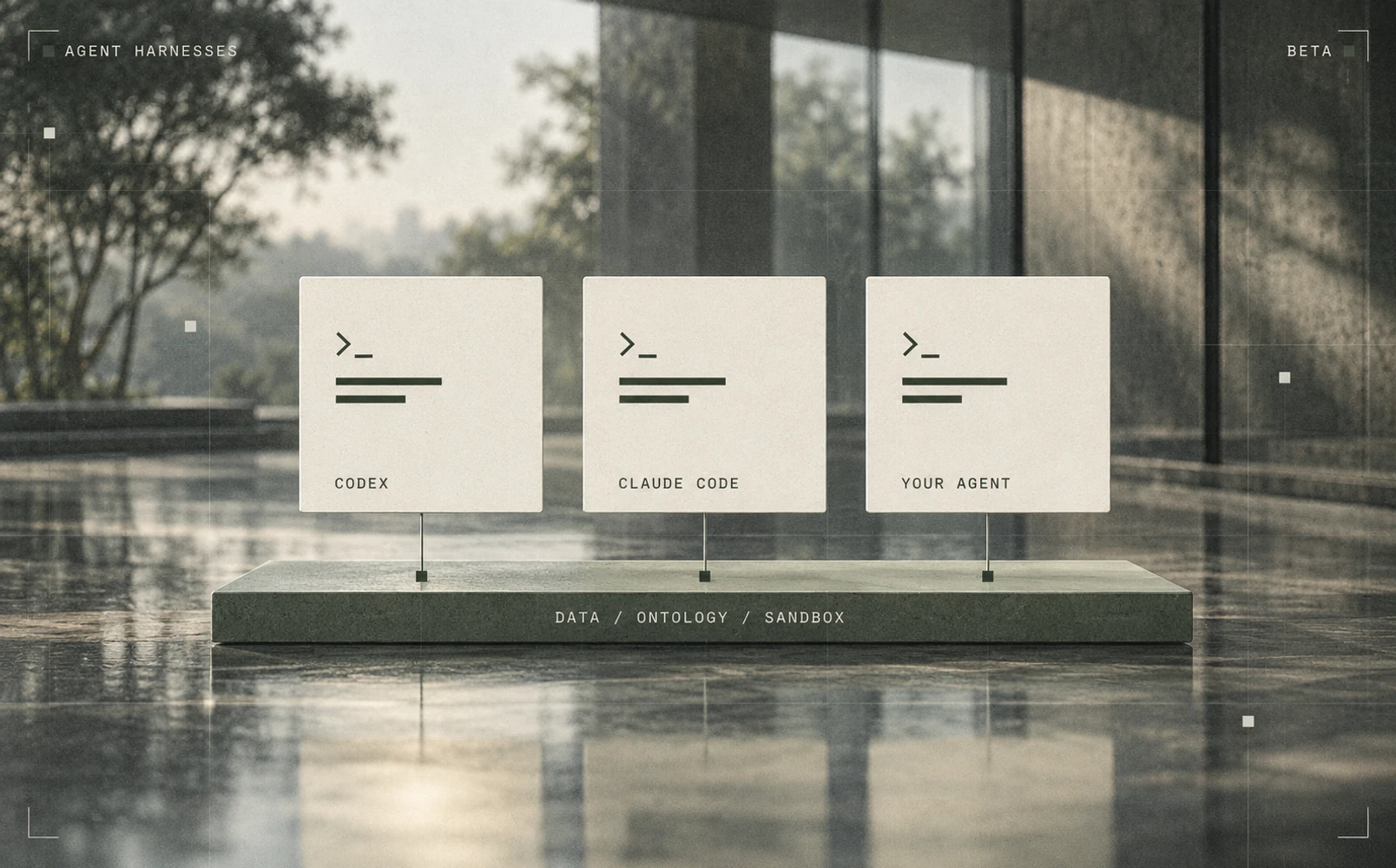
You can now run Codex, Claude Code, or an agent your organization hosts inside a TextQL chat. Agent Harnesses is available in beta.
The harness controls how the agent plans its work and calls tools. TextQL provides the connected data, business context in the Ontology, and sandboxes where the analysis runs. Switching the harness keeps those resources under the same permissions and approvals as Ana.
Choose a harness for your chats
Set a default harness for the chats you start in the web app, through the API or MCP, and in data apps and embeds. Shared and scheduled work follows the same choice:
- Slack and Teams threads use the default of the member who started the thread.
- Playbooks use the default of the member they run as. You can also select
ana,codex, orclaude_codebeside the model in the editor or playbook file. - Subagents inherit their parent chat's harness.
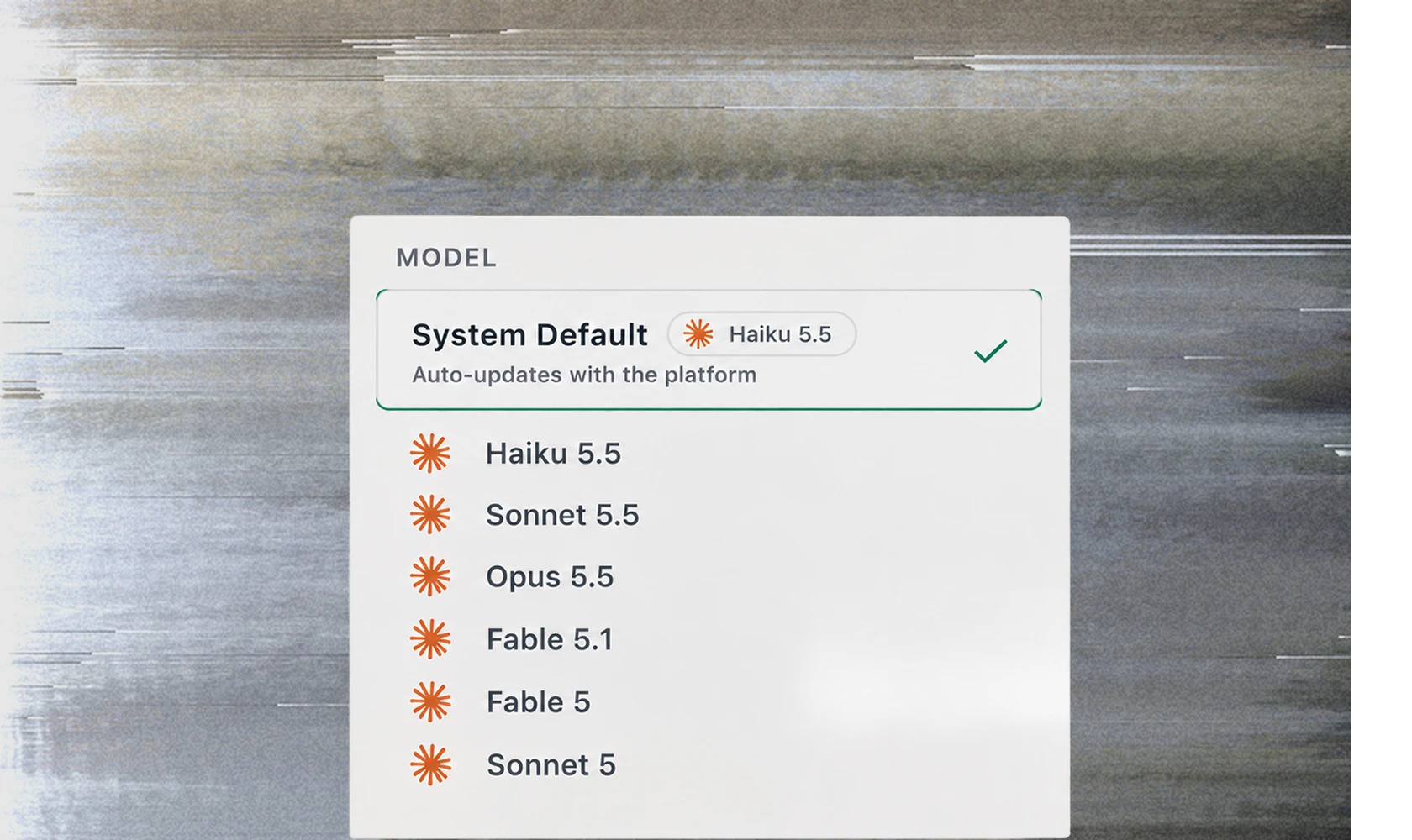
Choosing a harness selects a compatible default model. If you've explicitly chosen a model that the harness cannot run, TextQL keeps your model choice and runs the chat on Ana.
Keep the same permissions and chat history
Every harness inside TextQL acts through Ana's tools. Each tool call appears as a normal step in the chat, with the same role permissions, approvals, artifacts, and audit trail. When the agent needs clarification or confirmation, the chat pauses for your answer.
The chat history stays in TextQL. Each run starts a fresh harness process with that history as context, so switching harnesses preserves the conversation. Codex's reasoning and Claude Code's thinking blocks are retained.
Model API keys stay outside the sandbox. Codex and Claude Code connect through a gateway for each run, using your organization's existing model provider routing. The gateway fixes which model and tools the harness can use.
Connect an agent your team hosts
An admin can register your agent's secure WebSocket address and token. TextQL connects to it using the Agent Client Protocol (ACP), and the agent calls Ana's tools over that same connection. The agent holds no credential that can reach TextQL.
Changing the registered address requires re-entering the token. A saved secret is only sent to the address it was saved for, and the change is audited.
Use TextQL from your existing tools
You can also stay in Claude, ChatGPT, Codex, your terminal, or your own agent loop and call TextQL from there. The shipped Refinery CLI and MCP server share one sign-in and let you run governed queries and analysis across the organizations you belong to.
Personal Memory comes with you into Claude Code sessions opened through Refinery. Your saved preferences load before the first prompt.
Teams building their own agent loop can call the public Sandcastle API directly. TextQL supplies a session sandbox with Python, bash, files, connectors, governed network access, and the portion of the Ontology the agent can read. Your code controls the loop, Python state persists between calls, and Ontology edits become changes for review.
The sandbox API is available now. The fully managed Custom Harness product for bringing your own loop, prompts, and tools remains on the roadmap.
Enable the beta
Agent Harnesses is off by default. A workspace admin can turn it on in Settings > Features > Beta, then register any organization-hosted agents. Members can then set their default harness.
API and CLI callers can choose a harness under the same role rules as the web app. A scoped API key is checked against its own roles, so it cannot use the owner's broader permissions.