Claude Haiku 5.5, Anthropic's newest Haiku model, brings lower token prices and stronger chart reading. Our internal benchmarks show a large improvement over Haiku 4.5, especially at low effort.
For prompts up to 100,000 tokens, Anthropic's API prices are $0.10 per million input tokens and $0.50 per million output tokens, 90% below Haiku 4.5. Above that threshold, prices rise to $0.50 and $2.50, still half the previous model's rates.
Chart reading improved too. Anthropic reports 46.4% on Chartography without tools, up from Haiku 4.5's 6.4%. For analytics, that is a useful capability to test on visual results: reading a trend, identifying a change, and explaining what a chart shows.
Haiku 5.5 also adds a 1 million token context window and adjustable reasoning effort. The model can spend more time reasoning when a task needs it, or prioritize speed and cost for a quick answer.
What our benchmark shows
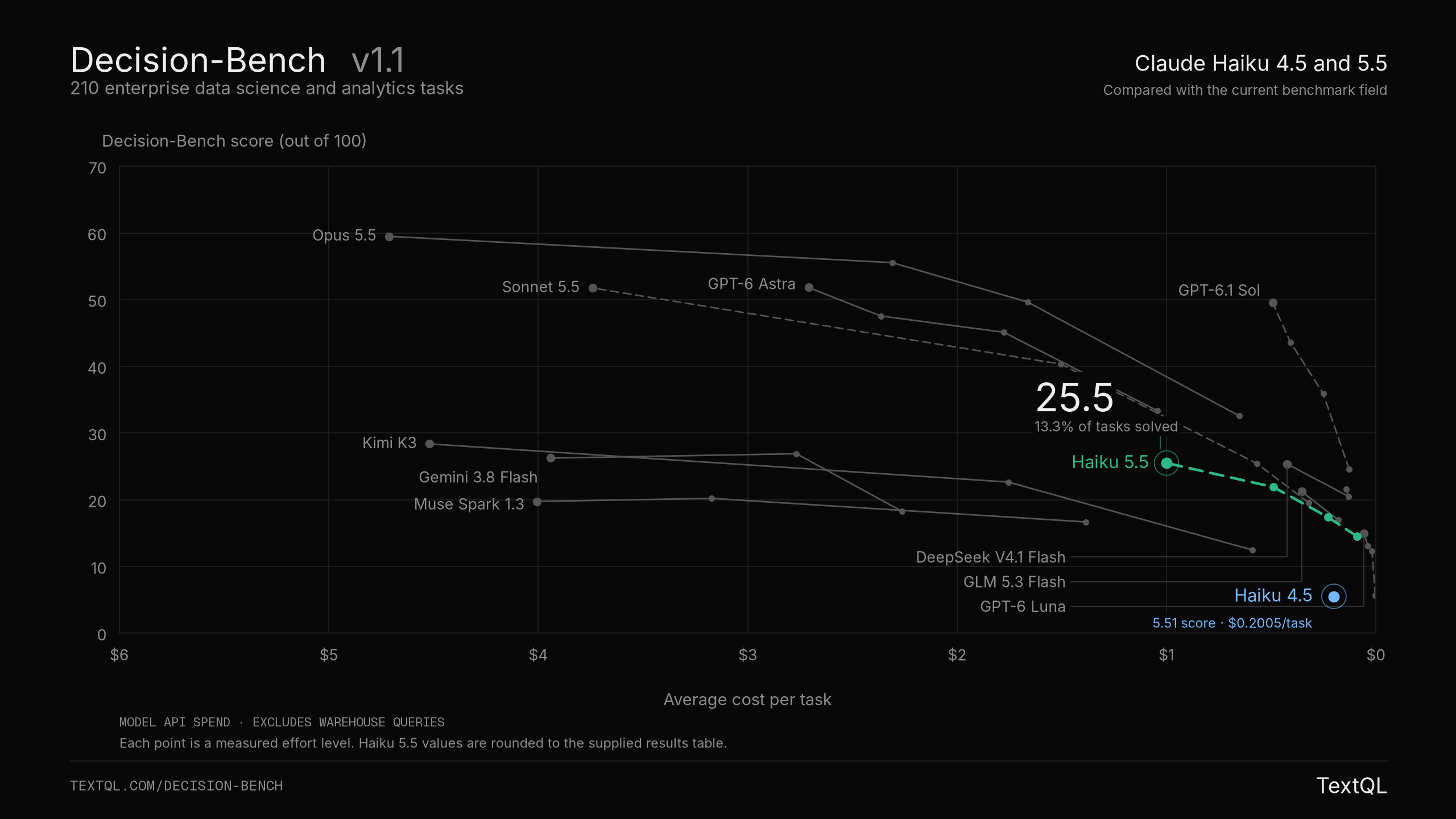
Score is the mean task score out of 100. A task counts as solved at a score of at least 95. Cost is model API spend per task, excluding warehouse queries.
In our internal Decision-Bench results, Haiku 5.5 scores 14.5 at low effort for about nine cents per task, compared with Haiku 4.5's 5.5 at twenty cents. That is more than twice the score at less than half the cost.
At its highest effort setting, Haiku 5.5 reaches 25.5 and solves 13.3% of tasks. The extra reasoning raises cost to $1 per task and median time from 6 to 16 minutes. It moves Haiku into the same score range as Gemini 3.8 Flash, which scores 26.2 at its highest setting for about $3.94 per task.
GPT-6.1 Sol still has a substantial lead. At high effort, Haiku 5.5 scores 21.9 for about $0.49 per task. Sol scores 49.5 at its highest effort setting for roughly the same cost.
Our take: start testing Haiku 5.5 at low effort on bounded, repeatable work, such as summarizing a known query result. It is a much stronger option than Haiku 4.5. For investigations that require several queries and revisions, these results still favor GPT-6.1 Sol.
Enabling Access
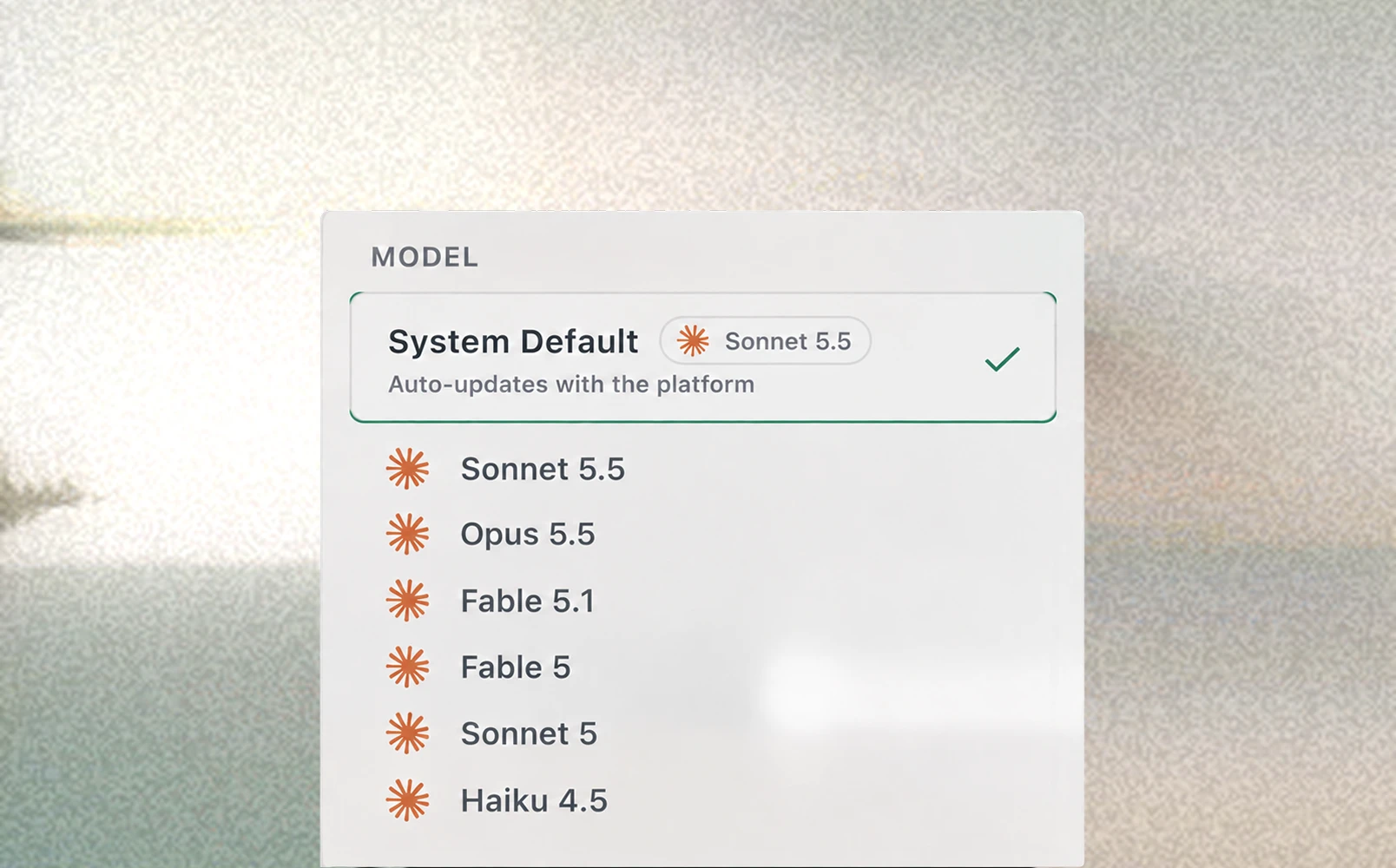
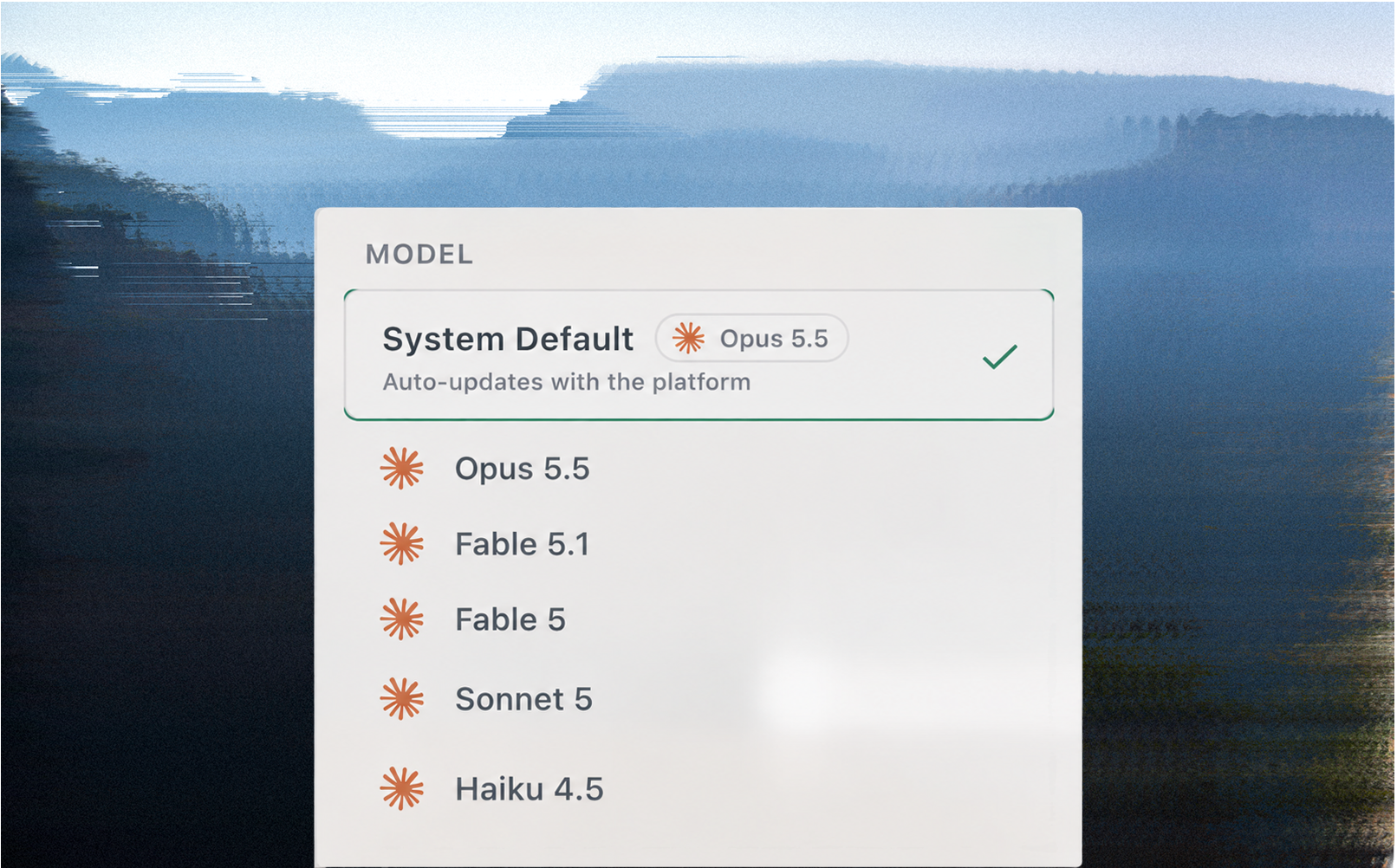
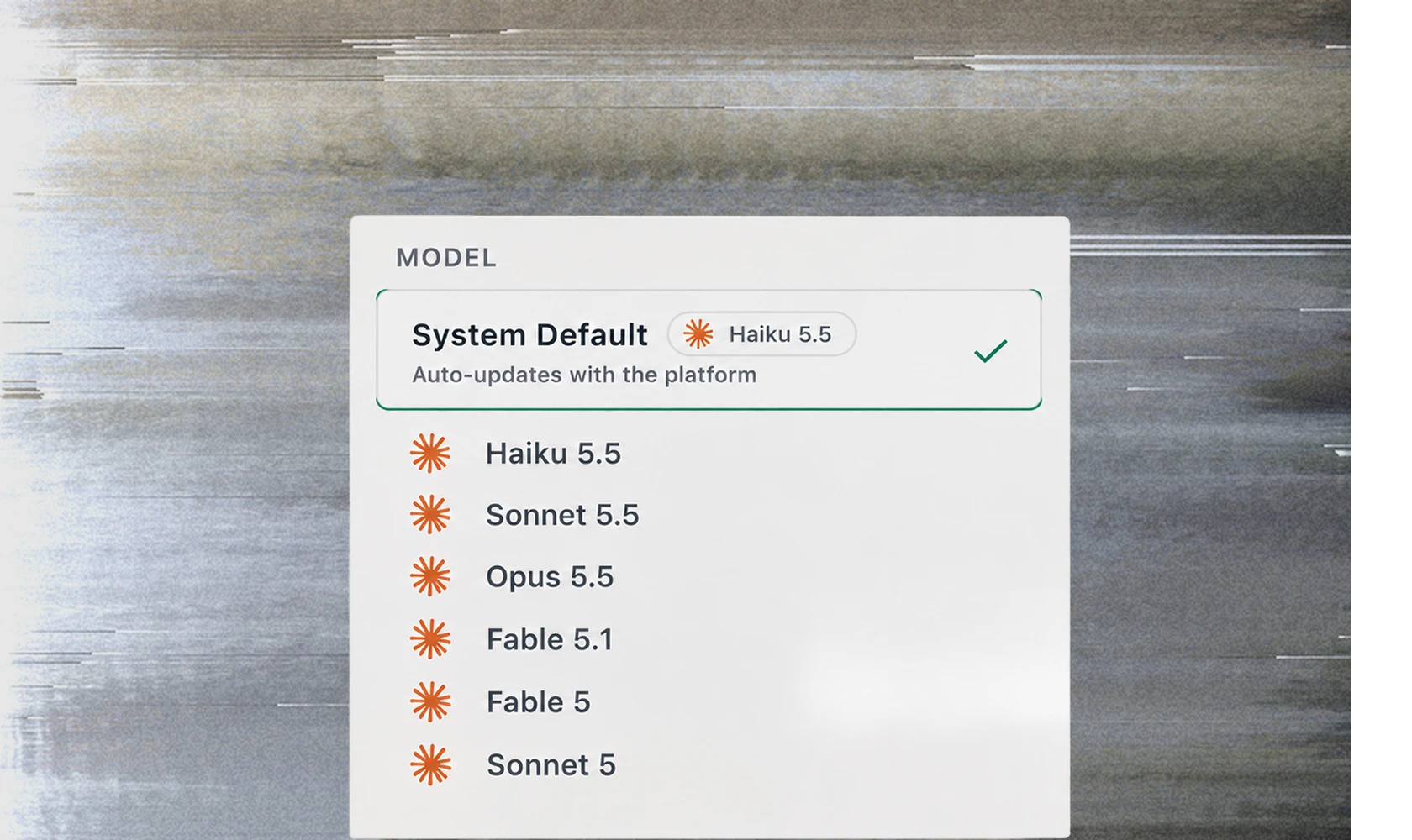
To enable Haiku 5.5 for your organization, go to Settings > Models and toggle Enabled next to Claude Haiku 5.5. Then open a new thread and select Haiku 5.5 from the model picker.
Full model configuration options are in our documentation.