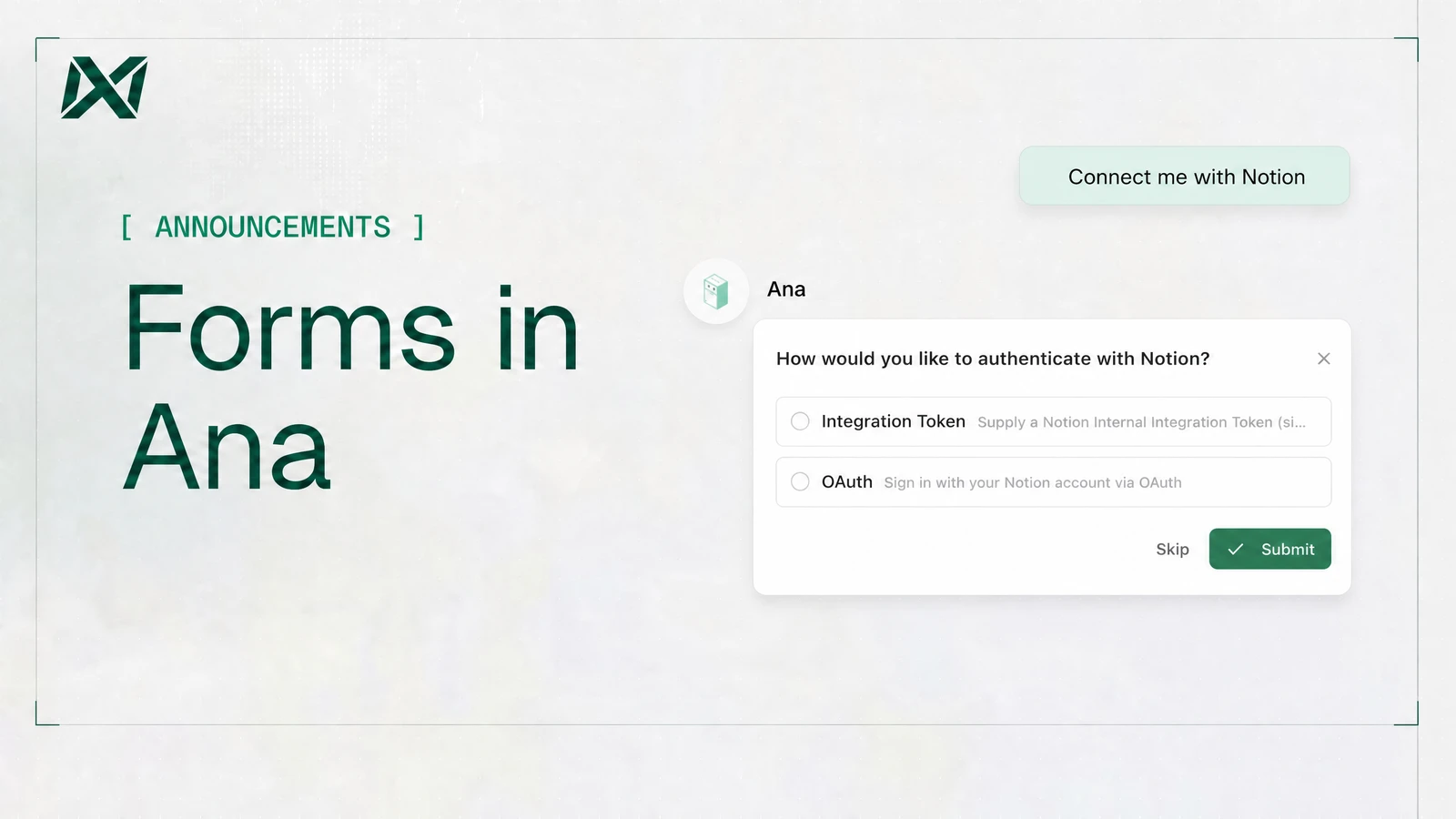
Ana can now ask for everything it needs in one structured card. Instead of a slow back-and-forth of clarifying questions, you fill in the details up front with a few inputs, and Ana comes back with a tailored answer on the first try.
Forms show up in two places: when connecting a data source, and in conversation.
Connecting a data source
A form is a structured card that Ana fills with you, right inside the chat thread. Connecting a data source is simple:
- You ask in plain language: "Connect my Snowflake warehouse" or "I want to pull from HubSpot"
- Ana drafts the form: it works out what kind of connector you mean and pre-fills everything it reasonably can — the host, port, and sensible defaults.
- You fill in only what's yours—tokens, credentials, and sensitive data. As you type, the form validates instantly and flags problems inline before you ever submit.
- You test the connection: a real connection runs in the background and comes back passed or failed with a clear message.
- You submit, and the connector is created.
In conversation
Sometimes Ana needs an answer before it can keep going — which table you meant, whether it's okay to run something on production. Instead of burying that question in a paragraph and hoping you spot it, Ana pauses the thread and asks directly, one question at a time.
You’ll see one of three kinds of questions:
- Pick one: choose a single option
- Pick any: choose as many as apply
- Fill in: type one or more short answers
For the pick-one and pick-any kinds, there's almost always an "Other" box too, so you're never trapped by the options Ana listed. Answer, and the conversation picks right back up with your reply in hand. Prefer not to break your flow? Dismiss the question and keep typing. Ana takes your next message as the answer and moves on.
Try it today
Forms handle the tedious parts of setup and the moments Ana needs a quick decision. Toggle forms on in your tools settings and connect your first data source straight from the conversation.