
When you change code, you open a pull request. Someone reviews it, your checks run, and it merges. You'd never ship important code any other way.
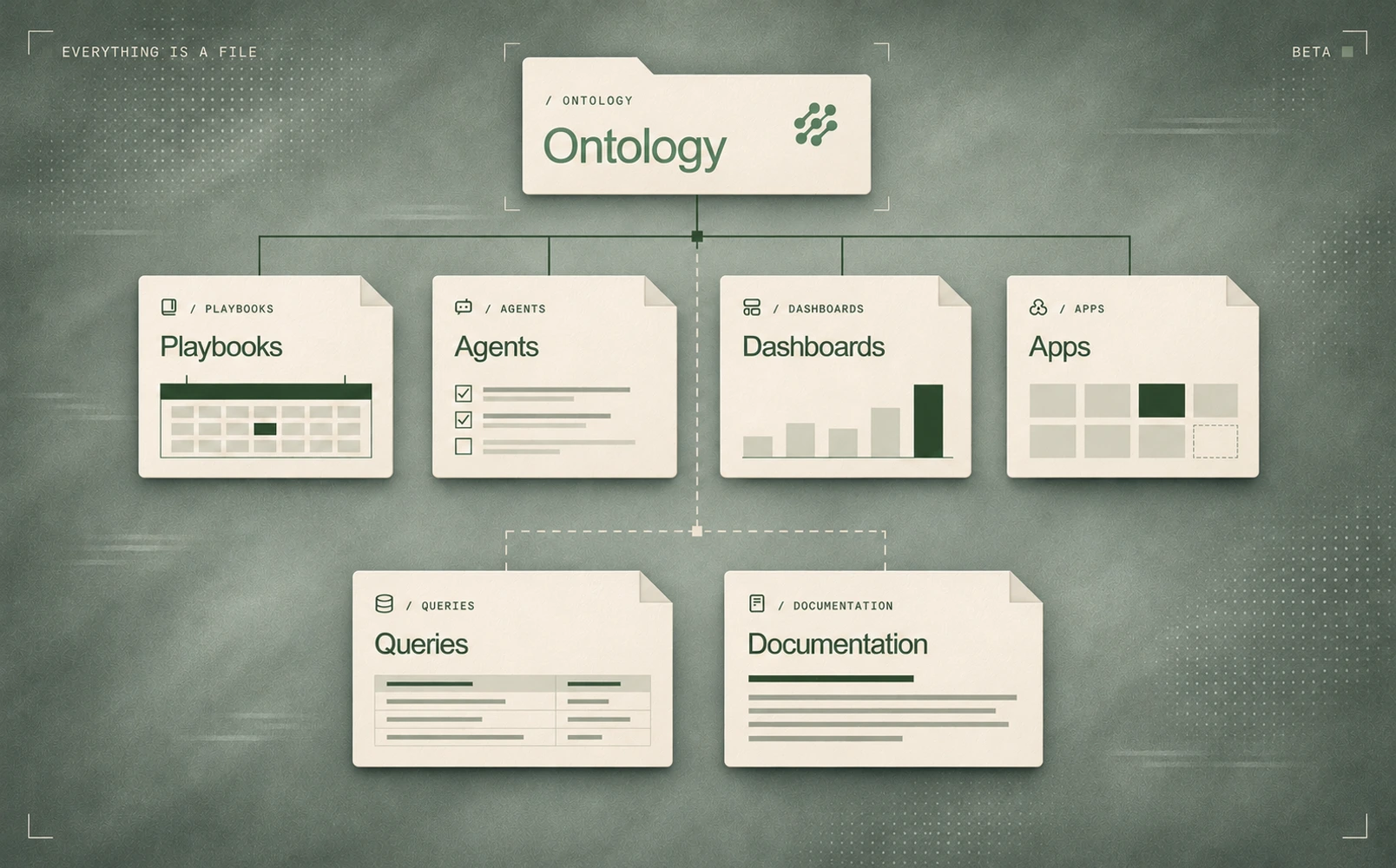
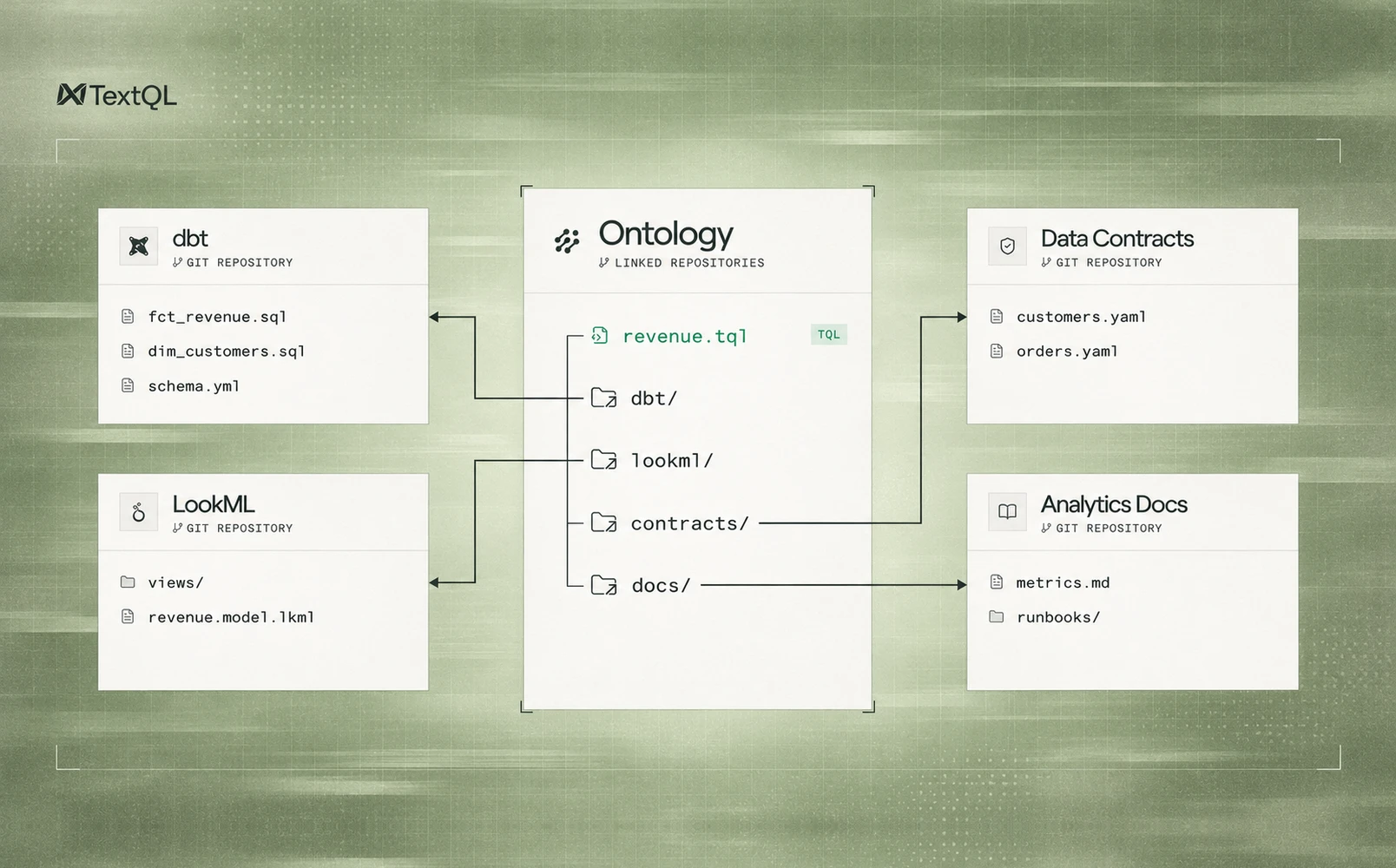
So why has your Ontology always worked differently? Its definitions, docs, and .tql queries live in a repo, versioned like any other code, yet changing them never went through that same door.
Now it does. Connect your Ontology to GitHub, and a proposed change opens a real pull request in your repo.
Because it's a normal pull request, everything you've already set up carries over — your branch protection, your reviewers, your CI, all applying exactly as they do everywhere else, with nothing new to configure. And if you want the merge itself to be the gate, it can be: the change simply waits until your team merges the PR, taking effect only then.
Get Started
Head to Ontology and click Connect Git in the top-right corner. The only method that can open pull requests is the GitHub App, so click it and install it on your repo. Then turn on Create PRs. From there, every proposed change opens as a pull request for your team to merge.